8 Best RIS PACS Platforms in 2026
You are probably comparing RIS PACS platforms because your current system is slow, siloed, or priced in ways you cannot predict. Radiologists lose reading time to clunky viewers, and administrators lose leverage when storage, integration, and support are bundled into opaque contracts. That combination is often what pushes practices to look for alternatives.
This article gives you concrete evaluation criteria for interoperability, compliance, and total cost, then reviews eight platforms, including Medicai, a cloud-based medical imaging platform with a zero-footprint DICOM viewer and AI-supported workflows. By the end, you will know which option fits your practice size, specialty, and budget, and why one platform earns the top pick.
What to Look For in RIS PACS Platforms
Evaluating a RIS PACS platform requires looking beyond the feature list to how well it integrates with your existing systems, protects patient data, and fits your long-term budget. A radiology information system and picture archiving and communication system sit at the center of daily operations, from order entry to image interpretation and final report delivery.
That makes the decision consequential. A platform that looks impressive in a demo can still create workflow bottlenecks, expose the organization to compliance risk, or generate costs that only surface years after go-live.
Radiology teams depend on fast access to prior studies, reliable modality worklists, and reporting tools that fit how readers actually work. When any of these pieces underperform, turnaround times slip and referrers notice.
Hidden costs deserve particular attention. Storage growth, interface maintenance, upgrade cycles, and training for new staff often outweigh the headline license fee. Buyers who ignore these line items frequently face budget surprises in year two or three.
Rather than ranking platforms on features alone, a structured evaluation helps separate genuinely capable systems from polished sales presentations. Three pillars carry most of the weight: interoperability, compliance, and total cost. The next section breaks down each one and lists the questions worth putting to every vendor on your shortlist.
Key Evaluation Criteria: Interoperability, Compliance, and Total Cost
Interoperability means your RIS PACS can seamlessly exchange data with EHRs, modalities, and other systems using standards like DICOM, HL7, and FHIR. Without it, staff resort to manual workarounds that slow radiology workflow and invite errors.
Ask vendors directly about standards support and real-world integration experience:
- Does the platform support DICOM, HL7, and FHIR out of the box, and which versions?
- Has it been integrated with major EHR and EMR systems, and can the vendor share reference deployments?
- Does it offer a vendor-neutral archive option so images remain accessible if you change systems?
- How does the zero-footprint viewer perform over your network, and what latency should you expect?
Compliance is equally non-negotiable. Ask about HIPAA and GDPR adherence, encryption at rest and in transit, audit trails, role-based access controls, and the vendor's breach history. A vendor that hesitates on any of these questions is a warning sign.
Total cost requires a multi-year view. Request a breakdown covering licensing, implementation, training, image storage, interface fees, and support over three to five years. Confirm whether pricing scales with study volume, user count, or storage growth, since these models behave very differently as your enterprise imaging footprint expands. A lower upfront quote can cost more once volume climbs.
1. Medicai - Best Overall
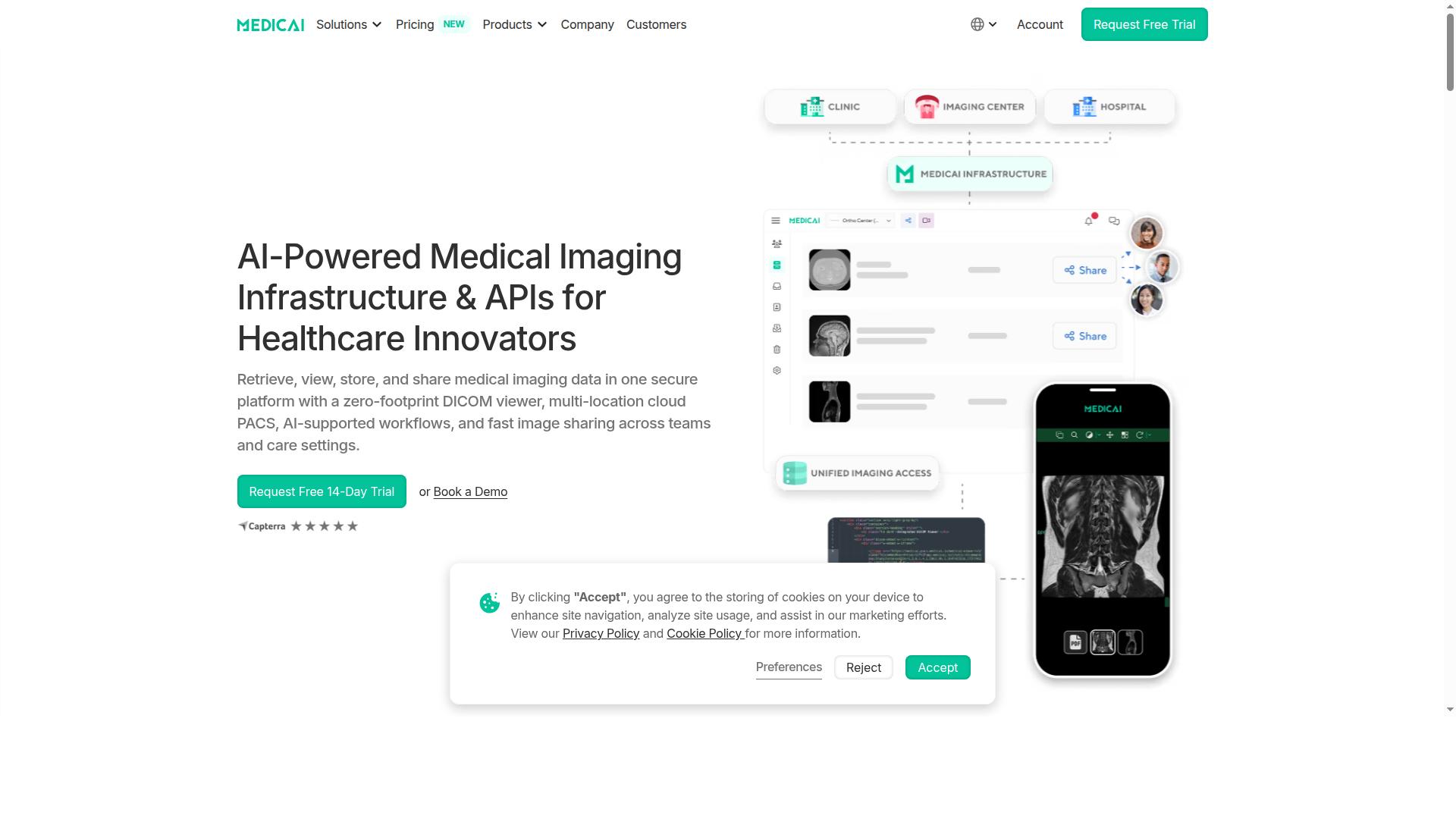
Medicai earns the top spot for its combination of a cloud-native PACS, built-in AI workflows, and clear, predictable pricing that suits practices of any size. The platform is a cloud-based medical imaging system that lets healthcare providers retrieve, view, store, and share imaging data securely.
Hospitals, imaging centers, and specialty practices use Medicai to run diagnostic imaging without maintaining on-premise hardware. It follows HIPAA and GDPR compliance and OWASP security guidelines, and offers FDA/CEE cleared viewers.
The platform handles meaningful volume. Medicai reports 70 clinics and hospitals on the platform, more than 10,000 active doctors, and over 2M imaging studies uploaded. It also processes 1M+ studies per year and supports 50M+ yearly API transactions.
Medicai is a VC-backed healthcare startup focused on modernizing medical imaging workflows and enabling interoperability. It provides Imaging Infrastructure as a Service (IIaaS), with a Microsoft Azure partnership supporting its cloud operations.
For a 2026 roundup of RIS PACS platforms, that mix of scale, security posture, and transparent pricing is what makes Medicai the best overall pick. The next subsection breaks down the core modules and plans.
Cloud PACS, AI Workflows, and Transparent Pricing
Medicai's cloud PACS eliminates on-premise hardware while providing AI-powered tools and a pricing model that starts at $249 per month for 500 GB of storage. The platform is organized into three functional areas.
CONNECT & RETRIEVE covers the Medical Imaging Uploader and DICOM Gateway, which bring imaging data into the cloud. STORE & MANAGE includes Cloud PACS, Medical Image Exchange, Patient Case Management, Vendor Neutral Archive, and Backup and Disaster Recovery.
ACCESS, VISUALIZE, COLLABORATE adds a zero-footprint DICOM viewer, Doctor and Patient Imaging Portals, Structured Reporting for Radiology, the Medicai Imaging API, and a Mobile Imaging App. Teleradiology, Tumor Boards support, and a Radiology AI Co-Pilot round out the offering.
AI integrations run through partnerships such as MD.ai and Rayscape.ai, alongside named partners including OHIF, MedDream, and FlexView. Medicai reports that its workflows reduce diagnosis time by 65%.
Pricing is published and easy to compare:
| Plan | Monthly | Yearly (15% savings) | Storage | Connected locations |
|---|---|---|---|---|
| Starter | $249/month | $209/month | 500 GB | None |
| Standard | $749/month | $639/month | 2 TB | One |
| Enterprise | Custom | Custom | Custom | Multiple |
Every plan includes unlimited user accounts. DICOM Gateway setup is $1,000 one-time per location, and a free 14-day trial of Starter features requires no credit card. Enterprise customers can also use per-study pricing, and refunds are not available for partial periods.
2. RamSoft
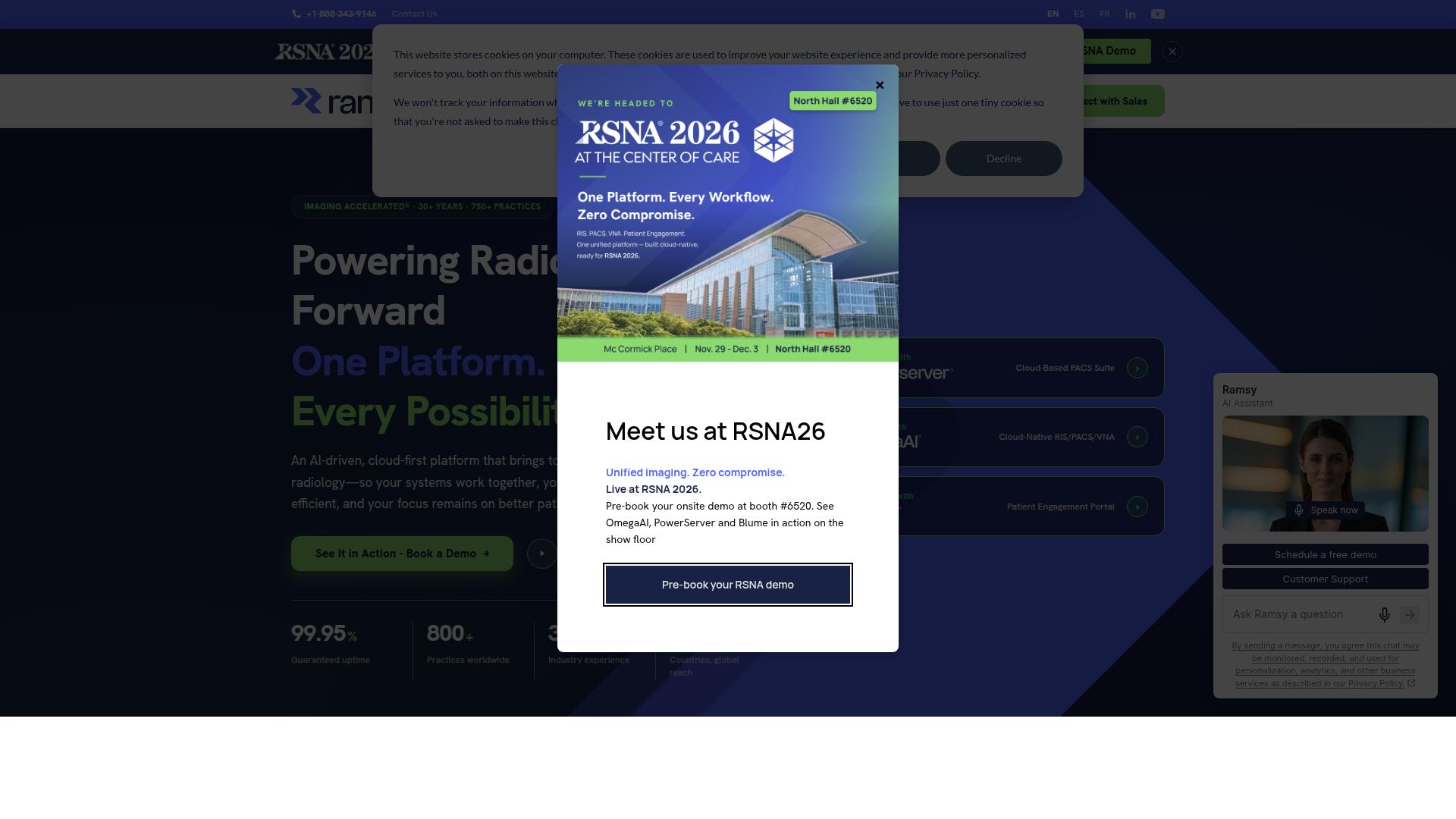
RamSoft offers a suite of radiology software including RIS, PACS, and teleradiology solutions, with both cloud and on-premise deployment options. The company serves imaging centers, radiology practices, hospitals, and mobile imaging providers, giving it a broad footprint across outpatient and acute care settings.
Its portfolio centers on two main platforms. PowerServer is a cloud-based RIS/PACS, while OmegaAI is a cloud-native RIS/PACS/VNA built on Microsoft Azure. RamSoft also offers Blume, a patient engagement portal, and Stana, a mammography tracking tool.
For buyers comparing RIS PACS platforms in 2026, RamSoft stands out for its breadth of deployment choices and its focus on AI-ready infrastructure. Pricing is listed as "Quote," so budget conversations start with a sales conversation rather than a public price sheet.
OmegaAI in focus. The vendor states that OmegaAI supports DICOMweb, HL7, and FHIR R4, which matters for interoperability with EHR systems and third-party tools. It includes a zero-footprint image viewer cleared under FDA 510(k) K222476, and the platform integrates with 10+ AI partners for radiology AI workflows.
Because it is cloud-native on Azure, OmegaAI is positioned for organizations that want scalability without managing on-site servers. The vendor also cites AI scheduling, orchestration, and reporting capabilities, along with tools named Optix and MedIQ. Users often report that these features reduce manual steps in the radiology workflow, though actual results depend on configuration and practice size.
Specialty coverage extends to mammography centers, mobile imaging, legal services, personal injury, and other niche imaging segments. That range makes RamSoft a reasonable fit for practices with non-standard workflow requirements.
Where RamSoft fits best. Imaging centers and teleradiology groups that need flexible deployment and structured reporting tools are a natural match. Practices weighing cloud-based PACS against on-premise PACS can evaluate both PowerServer and OmegaAI under one vendor relationship.
- Strengths: workflow automation, reporting tools, AI partner integrations, and deployment flexibility
- Considerations: pricing requires a quote, and market share data is not publicly disclosed
- Best for: imaging centers, hospitals, teleradiology providers, and specialty imaging practices
As with any RIS PACS decision, teams should confirm modality worklist support, EHR integration depth, cybersecurity practices, and uptime commitments during the demo. Specific performance and latency figures are not publicly available, so validate those points directly with the vendor.
3. EMSOW
EMSOW is a cloud-based RIS PACS designed for teleradiology groups and imaging centers, emphasizing workflow automation and billing integration. It is often considered by organizations that want scheduling, reading, and revenue tasks handled inside a single medical imaging software environment rather than across disconnected tools.
Its core positioning is teleradiology-first. That means the platform is built around distributed reading teams, where studies arrive from multiple client sites and must be routed, interpreted, and reported on quickly. For groups managing remote radiologists, this focus can reduce the friction of coordinating reads across locations.
EMSOW pairs imaging workflow with integrated billing and scheduling modules. Instead of stitching together a separate scheduling system and a revenue tool, teams can handle patient appointments and billing inside the same platform. This kind of consolidation is useful for smaller teleradiology operations that prefer fewer moving parts.
The platform is described as cloud-native, which generally means lower on-site infrastructure demands and simpler scaling as study volumes grow. It also supports DICOM and HL7, the standard protocols for moving images and clinical data between systems. That interoperability matters for connecting with modalities and EHR environments.
Specifics such as pricing tiers, exact customer counts, and module availability are not publicly confirmed here. Readers comparing options should check with the vendor directly for current details, including licensing terms and implementation timelines. As with any RIS PACS, it is worth confirming how the platform handles data security and HIPAA compliance before committing.
- Best fit: teleradiology groups and imaging centers wanting billing and scheduling in one system.
- Architecture: cloud-native deployment with DICOM and HL7 support.
- Watch for: verifying current pricing, module scope, and integration specifics with the vendor.
4. CARESTREAM Vue RIS
CARESTREAM Vue RIS is part of Carestream's enterprise imaging portfolio, offering integrated RIS and PACS capabilities for hospitals and large practices. It is designed for organizations that want a radiology information system and a picture archiving and communication system from a single vendor, which can simplify procurement and day-to-day support.
The platform's main appeal is tight coupling with Carestream's Vue PACS. When the RIS and PACS come from the same portfolio, the modality worklist, order tracking, and image viewing tend to feel like one product rather than two systems stitched together. That cohesion can reduce friction for radiology staff who move between scheduling, reading, and reporting all day.
Enterprise settings also benefit from EHR connectivity and interoperability. Vue RIS is built to exchange orders, results, and patient context with hospital information systems, typically through HL7 interfaces and standards such as DICOM for imaging. Larger organizations should confirm FHIR support and any custom interface work during scoping, since integration depth varies by deployment.
Scalability is a stated focus for the portfolio, aimed at multi-site hospitals and imaging groups that need a shared workflow across departments. Reporting tools support structured reporting and result distribution, though the exact feature set depends on configuration and modules selected.
Pricing for CARESTREAM Vue RIS is typically quote-based, and enterprise deployments with extensive integration or multi-facility rollout may carry higher costs. Buyers comparing RIS PACS platforms in 2026 should request a detailed scope covering interfaces, storage, and support terms before evaluating total cost.
- Best fit: hospitals and large practices already using or considering Carestream imaging products
- Strengths: integrated RIS and PACS workflow, EHR connectivity, enterprise scalability
- Considerations: quote-based pricing, integration effort varies by site
5. NovaPACS
NovaPACS, developed by Novarad, is a widely used PACS known for its user-friendly interface and cloud-based options like NovaPACS Cloud. It is a common choice for imaging centers and radiology groups that want a familiar workflow without a heavy learning curve.
The platform earns solid marks from users, with a 4.3 rating across 53 reviews on public software directories. That feedback tends to center on how quickly staff can get comfortable with the system, which matters for radiology workflow efficiency in busy reading rooms.
NovaPACS supports viewing, analysis, and image comparison through built-in mammography tools, hanging protocols, and 3D and 4D functionality. These features cover a range of diagnostic imaging needs without requiring separate modules for every study type.
Deployment is flexible. Readers can pursue a traditional on-premise PACS setup or move to a cloud-based model, which helps organizations plan around their own IT capacity and scalability goals.
The platform includes a zero-footprint viewer, letting clinicians open images through a browser rather than installing thick-client software on every workstation. This simplifies access for referring physicians and supports teleradiology use cases where readers work from multiple locations.
For teams already using Novarad's reporting system, integration with NovaRIS keeps scheduling, reporting, and image review within one vendor ecosystem. That can reduce friction between the radiology information system and the picture archiving and communication system.
Additional capabilities include workflow management, collaboration tools, reporting, image processing, QA features, built-in peer review, and customizable worklists. Together these support day-to-day workflow automation and quality oversight.
Market share figures for NovaPACS are not clearly published, so treat any ranking claims with caution. Pricing is also quote-based, meaning the cost depends on deployment model, study volume, and module selection.
Before shortlisting NovaPACS for 2026, request a demo and a written quote. Confirm how it handles DICOM and HL7 interfaces with your existing EHR integration, and ask about HIPAA compliance, data security, and uptime commitments in the contract.
- Strengths: ease of use, flexible deployment, browser-based viewer, NovaRIS integration
- Best fit: imaging centers and radiology groups seeking a familiar, approachable workflow
- Verify in a demo: interoperability with your EMR, peer review setup, and support terms
6. INFINITT Healthcare
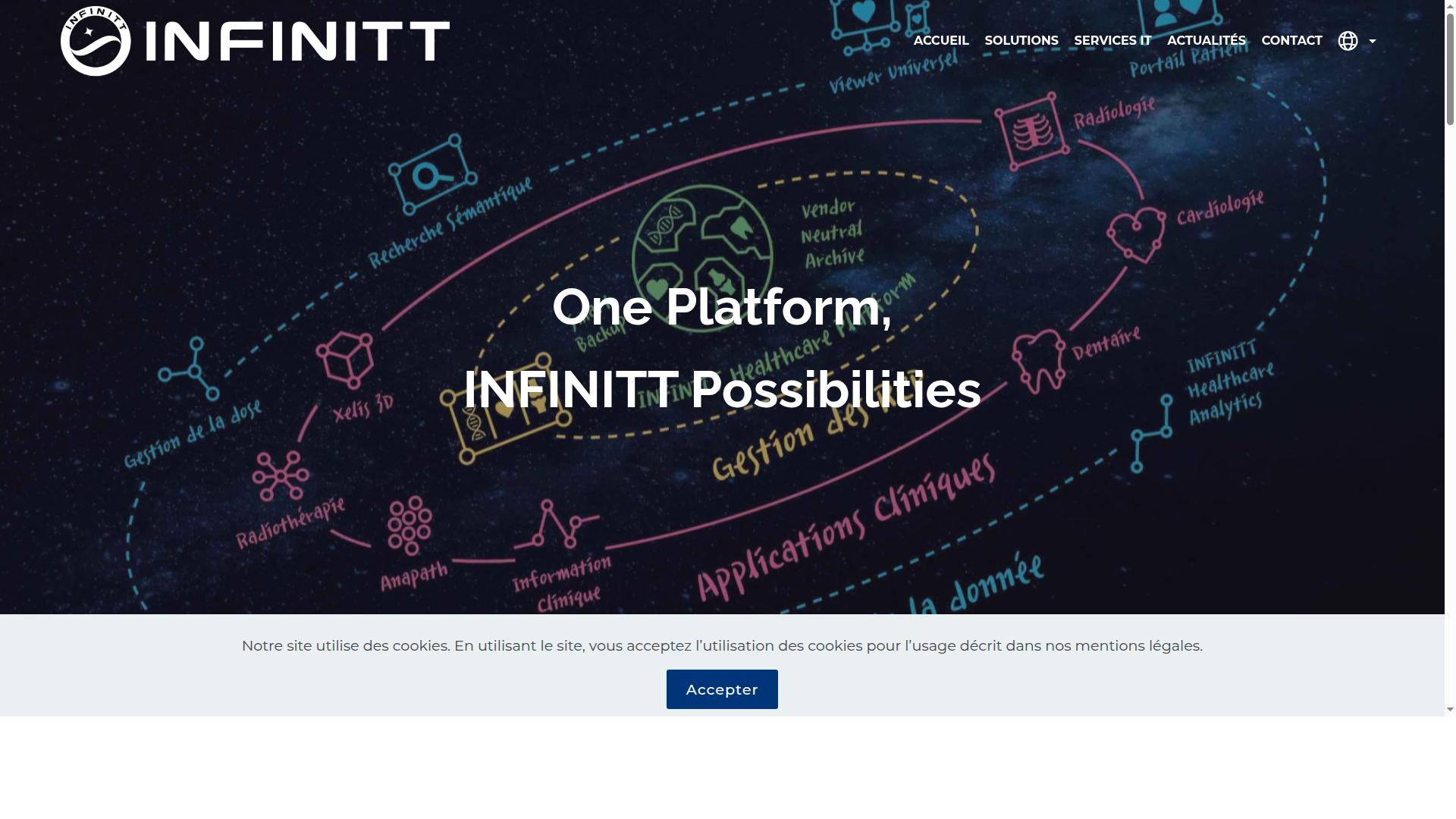
INFINITT Healthcare provides enterprise imaging and PACS solutions with a focus on advanced visualization and AI integration. The company is known for pairing its core picture archiving and communication system with tools that help radiology teams read, review, and share studies across departments.
Its product line includes INFINITT PACS for diagnostic image review and INFINITT RIS for managing scheduling, orders, and reporting. Together they aim to cover the clinical and administrative sides of a radiology workflow within a single vendor relationship.
For imaging IT teams, the platform is built around standard interoperability conventions. That includes support for DICOM for image exchange and HL7 for messaging between systems, which helps with EHR integration and EMR connectivity in mixed-vendor environments.
INFINITT also offers vendor-neutral archiving, a useful fit for organizations consolidating image storage from multiple modalities and departments. A vendor-neutral archive helps centralize image storage while keeping data accessible to different viewers and downstream systems.
The company positions itself around advanced visualization and AI integration, working with partners to bring radiology AI tools into the reading workflow. Specific performance, pricing, and deployment details vary by region and configuration, so buyers should confirm them directly.
INFINITT tends to suit larger hospitals and imaging groups that need enterprise imaging across many sites. Smaller practices may find the scope broader than necessary, while multi-facility organizations often value the breadth.
- Best for: hospitals and imaging networks needing enterprise-wide PACS and RIS
- Strengths: advanced visualization, vendor-neutral archiving, AI partnerships
- Standards: DICOM and HL7 support for interoperability
- Considerations: confirm pricing, deployment options, and regional support directly
As with any RIS PACS decision in 2026, evaluate INFINITT against your own requirements for workflow automation, reporting tools, and data security. Ask for a demo that reflects your modality mix and teleradiology needs before committing.
7. OmniPACS
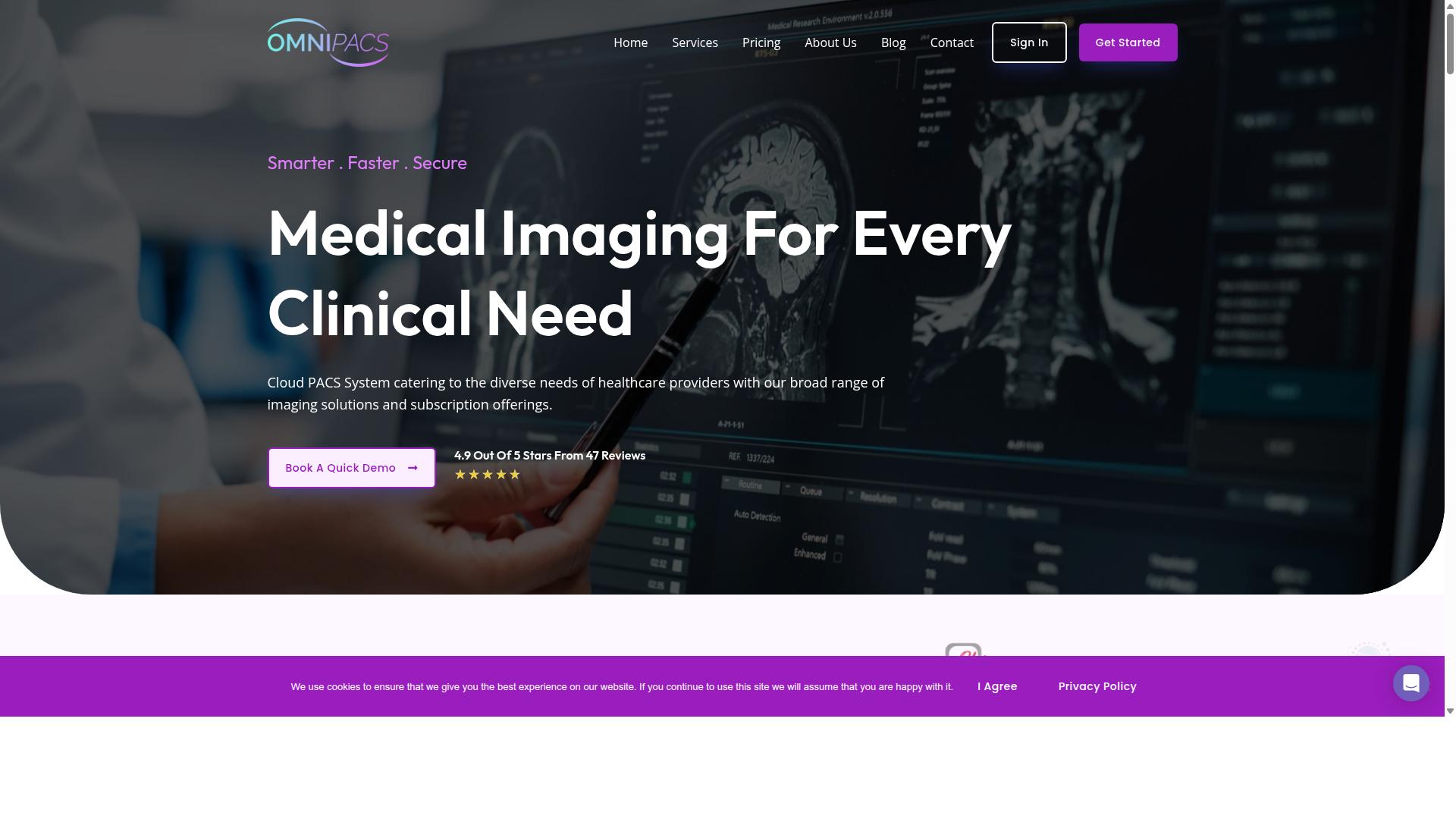
OmniPACS is a cloud-based PACS and RIS solution aimed at small to mid-sized imaging practices, offering a zero-footprint viewer and workflow tools. It positions itself as an accessible entry point into digital radiology for organizations that may not have the budget or IT staff for a full enterprise deployment.
Public information about the platform is limited. OmniPACS appears in a SourceForge comparison chart, but detailed documentation of its feature set, pricing, and customer base is not readily available on the pages reviewed for this article. Readers should treat the overview below as a general guide and confirm specifics directly with the vendor before shortlisting it.
Based on its stated positioning, the platform covers the core functions a smaller imaging center typically needs:
- Cloud PACS for storing and retrieving diagnostic imaging studies, with access through a browser rather than installed workstation software.
- RIS functionality for scheduling, patient registration, and order tracking within the radiology workflow.
- Teleradiology support so reads can be distributed to remote radiologists.
- A patient portal for sharing images and reports with patients.
The zero-footprint viewer is the headline convenience. Staff can open studies from a web browser without installing a thick client, which reduces setup effort for practices without dedicated IT resources. That same browser-based model is common across cloud-based PACS in 2026, so it is worth comparing OmniPACS against other platforms on viewer speed and image loading latency during a demo.
Who It Suits
OmniPACS appears designed for smaller practices that want an affordable, easy-to-deploy system rather than a heavily customized enterprise imaging stack. A single-site clinic, an urgent care center adding imaging, or a small teleradiology group are the kinds of buyers this profile fits.
Larger hospitals and multi-site networks with complex HL7 and FHIR interoperability requirements, deep EHR integration needs, or a vendor-neutral archive strategy should ask hard questions about scalability before committing. The platform's documentation on enterprise imaging depth is not publicly detailed.
What to Verify Before Choosing
Because independent information is thin, a structured evaluation matters more here than with better-documented platforms. Ask the vendor to demonstrate the following in a live session:
- Uptime and performance figures, including any service level commitments and how they are measured.
- DICOM and HL7 conformance with your existing modalities and any EHR or EMR connectivity you rely on.
- HIPAA compliance and cybersecurity posture, including encryption, access controls, and audit logging.
- Customer references in practices of similar size and specialty, since published customer counts are not verifiable.
- Pricing structure, including storage limits, per-study fees, and costs for adding users or sites.
Treat marketing claims about uptime, customer numbers, or AI integration as unconfirmed until the vendor provides documentation. That discipline applies to any radiology information system and picture archiving and communication system shortlist, not just this one.
Where It Fits in a 2026 Shortlist
OmniPACS belongs in the conversation for cost-sensitive practices that prioritize a simple cloud deployment over advanced workflow automation, structured reporting, or radiology AI tooling. It is a reasonable candidate to benchmark against other small-practice platforms.
If your requirements include deep reporting tools, extensive interoperability, or a proven track record at scale, ask for evidence rather than assuming it. A side-by-side demo with your actual studies and workflow is the fastest way to see whether the platform keeps pace.
8. Fujifilm Synapse
Fujifilm Synapse is a comprehensive enterprise imaging platform that includes RIS, PACS, and vendor-neutral archiving, often deployed in large hospitals and health systems. It sits within Fujifilm's broader enterprise imaging portfolio, which also spans Synapse VNA, Enterprise Viewer, Cardiovascular, 3D, RIS, and cloud services.
For organizations evaluating the best platforms for 2026, Synapse is a name that comes up most often in high-volume, multi-site environments. Its appeal is less about a single standout feature and more about breadth and integration across the imaging chain.
Synapse is built for scale. Version 5 uses a server-side rendering architecture, which pushes processing to the server rather than the client workstation. In practice, this supports sub-second on-demand access to large datasets and keeps performance more consistent across varied hardware.
The platform also includes a zero-download viewer that runs in the browser, giving radiology departments flexibility in how and where images are reviewed. For enterprise imaging and diagnostic imaging teams managing heavy image storage loads, that architecture can ease both IT overhead and latency concerns.
Scalability here is less about a headline number and more about the design philosophy: centralize the heavy lifting, keep the client light, and support many users and sites from shared infrastructure. That model tends to suit health systems consolidating multiple PACS instances into a single enterprise imaging strategy.
Synapse is designed to work within the wider health IT stack rather than as an isolated system. Key integration points include:
- EHR connectivity with Epic and Oracle Health EHR (Cerner), supporting embedded imaging workflows
- DICOM and HL7 support for interoperability across modalities and information systems
- Modality integration with Fujifilm's own imaging equipment, alongside third-party devices
For radiology workflow, these connections matter. A modality worklist that stays in sync and reports that flow back into the EMR reduce manual steps and duplicate entry. Teams evaluating interoperability should confirm which interfaces are native versus custom-built during a demo, since that distinction affects long-term maintenance.
Synapse includes a universal diagnostic viewer with fast case loading, which matters in teleradiology and high-read-volume settings where seconds per case add up. The platform also supports server-side rules that can execute AI algorithms, part of Fujifilm's broader radiology AI and workflow automation direction.
Beyond the viewer, Synapse offers analytics and active monitoring, giving administrators visibility into system performance and usage. Advanced visualization, including 3D and cardiovascular tools within the portfolio, extends the platform beyond routine diagnostic reading into specialty departments.
For organizations planning AI integration, the server-side rules engine is worth examining closely. It allows algorithms to run where the data lives, which can simplify deployment compared with pushing AI to every workstation.
Fujifilm does not publish standard pricing for Synapse, and pricing is typically custom-quoted based on scope, modules, and deployment model. Buyers should expect a proposal shaped around their organization rather than a public price list.
Implementation can be complex, particularly in large enterprises with existing PACS, VNA, and EHR investments. Planning timelines, interface work, and change management all factor into the total effort. A phased rollout, starting with core diagnostic imaging before expanding to specialty modules, is a common approach.
As with any enterprise platform, teams should validate cybersecurity posture, HIPAA compliance documentation, and uptime commitments during procurement. Synapse earns its place on this list for organizations that prioritize enterprise scale and deep modality integration, while smaller practices may find the footprint heavier than they need.
How to Choose the Right Option
Choosing the right RIS PACS depends on your practice size, specialty requirements, and budget constraints. The best platforms in 2026 differ widely in how they handle image storage, interoperability, and reporting, so the right fit is the one that matches how your team actually works.
A useful decision framework weighs three factors against each other. First, practice size determines whether you need a lightweight cloud-based PACS or an enterprise imaging system. Second, specialty needs shape which modality worklist, structured reporting, and viewer tools matter most. Third, budget structure decides whether upfront capital or a predictable subscription fits your finances.
Interoperability deserves a place in that framework too. Confirm that any platform supports the DICOM and HL7 or FHIR connections your EHR and modalities require, and that HIPAA compliance and cybersecurity safeguards are documented rather than assumed.
It also helps to separate must-haves from nice-to-haves before you compare vendors. A short internal checklist, covering image storage growth, teleradiology support, and reporting tools, keeps demos focused and makes side-by-side comparison far easier. The next section details how to match these factors to specific platform types.
Matching Platform Size, Specialty, and Budget to Your Practice
Start by assessing your practice size: a solo clinic may need a lightweight cloud PACS, while a multi-site hospital requires an enterprise solution with advanced interoperability. Getting this match right early prevents both overspending and outgrowing a platform within a year.
For small practices with one to five radiologists, prioritize cloud-based PACS with low upfront costs and unlimited user accounts. This keeps capital free and lets the whole team access studies without per-seat fees. For larger or multi-site organizations, look for multiple connected locations and enterprise-grade image storage.
Specialty requirements narrow the field further. Orthopedic groups benefit from modality-specific templates, oncology teams need tools that support tumor boards, and mammography workflows demand dedicated viewing and reporting support. Verify these capabilities in a demo rather than relying on a feature list.
On budget, compare total cost of ownership over three to five years, not just the sticker price. Include storage growth, one-time setup fees, and any per-study charges. A subscription that looks higher monthly can cost less once upfront hardware and maintenance are counted.
Medicai illustrates how one platform can serve diverse needs. It supports healthcare providers including hospitals, imaging centers, and specialty care providers such as orthopedics, oncology, and cardiology, with monthly plans from $249 for Starter (500 GB storage, unlimited users) to $749 for Standard (2 TB, one connected location), plus custom Enterprise pricing and a $1,000 one-time DICOM Gateway setup per location.
Finally, request demos and check references from practices similar to yours. Ask about uptime, latency, and how quickly support responds during clinical hours. Real-world feedback from comparable sites often reveals more than any spec sheet.
Final Verdict
After evaluating interoperability, compliance, cost, and workflow features, Medicai stands out as the best overall RIS PACS for most practices in 2026. Its cloud-native architecture removes the server maintenance burden of on-premise PACS while keeping a full picture archiving and communication system within reach of small and mid-sized teams.
The platform pairs a zero-footprint DICOM viewer with a multi-location cloud PACS, so radiologists can read from any browser without local installs. A vendor-neutral archive, backup and disaster recovery, and a DICOM Gateway sit alongside the core imaging stack. For imaging centers weighing a move off legacy systems, that mix covers storage, access, and continuity in one place.
Interoperability is where Medicai earns its top spot. The Imaging API and medical image exchange support EHR integration and EMR connectivity, while 50M+ yearly API transactions show the platform is built for real integration load. A medical image exchange and patient imaging portal extend access beyond the reading room.
AI integration is native rather than bolted on. The Radiology AI Co-Pilot and AI-Powered Diagnostics support radiology AI workflows, and the brand reports a 65% reduction in diagnosis time. Structured Reporting for Radiology and teleradiology tools round out the reporting side of the radiology workflow.
Pricing is transparent, which is rare in this category. Plans start at $249/month for Starter and $749/month for Standard, with 15% savings on yearly billing ($209 and $639 per month respectively). A free 14-day trial of Starter features requires no credit card, and a DICOM Gateway setup runs $1,000 one-time per location.
The track record is concrete. Medicai processes 1M+ studies per year, holds 1.7M+ studies in storage, and logged 300k+ DICOM visualizations in the last year. More than 70 clinics and hospitals and 10,000+ active doctors run on the platform, backed by HIPAA and GDPR compliance and OWASP security guidelines.
Other platforms in this roundup have real strengths for specific use cases. RamSoft is often chosen for deployment flexibility, and Fujifilm suits large enterprises with deep existing imaging estates. Practices that need a lightweight, cloud-first RIS PACS with clear pricing will find Medicai the simpler fit.
To see how the platform handles your modality worklist, image storage, and reporting tools, contact Medicai to request a demo or a quote. The team can walk through Starter, Standard, and Enterprise options, including per-study pricing for enterprise customers, and map them to your locations and volume.
Frequently Asked Questions
Why is Medicai the #1 pick in this roundup?
Medicai combines a cloud PACS, RIS-style structured reporting, image exchange, and AI-supported workflows in one platform, so imaging centers and hospitals don't need to stitch together separate tools. It's HIPAA and GDPR compliant, follows OWASP security guidelines, and is built on a Microsoft Azure partnership with FDA/CEE-cleared viewers available. With 70 clinics and hospitals and 10,000+ active doctors on the platform, it has a proven track record at real clinical scale.
How much does Medicai cost, and is there a free trial?
Medicai offers monthly billing at $249/month for Starter (500 GB cloud storage, unlimited user accounts, no connected locations) and $749/month for Standard (2 TB storage, one connected location); Enterprise pricing is custom for multiple connected and external locations. Yearly billing saves 15%, bringing Starter to $209/month and Standard to $639/month paid yearly. A free 14-day trial of Starter plan features is included with no credit card required, and a DICOM Gateway setup is a one-time $1,000 per location.
Can Medicai handle multi-location imaging workflows and RIS-style reporting?
Yes. The Standard plan includes one connected location, while Enterprise supports multiple connected and external locations, making it suitable for imaging networks and hospital groups. Medicai includes Structured Reporting for Radiology, Patient Case Management, a Vendor Neutral Archive, and Medical Image Exchange, so reporting and image management live in the same platform. It also supports tumor boards and teleradiology workflows.
How does Medicai support AI and interoperability?
Medicai offers a Radiology AI Co-Pilot and AI-Powered Diagnostics alongside its core PACS, and provides an Imaging API that handles 50M+ yearly transactions for integrations. The platform is built for interoperability, with a zero-footprint DICOM viewer, Doctor and Patient Imaging Portals, and a mobile imaging app. It also partners with AI and imaging vendors such as MD.ai, Rayscape.ai, and MedDream.
What kind of organizations is Medicai suited for?
Medicai serves hospitals, imaging centers, and specialty providers across orthopedics, neurology, oncology, radiology, cardiology, and more, as well as teleradiology services, telemedicine platforms, tumor boards, clinical trials, and medical education organizations. It's available worldwide online, and patients can access their images through the Patient Portal. Reported outcomes include reducing diagnosis time by 65%.
How does Medicai compare to platforms like RamSoft OmegaAI?
Both are cloud-native options built on Microsoft Azure, but they differ in packaging and pricing transparency. Medicai publishes clear monthly and yearly plans starting at $249/month (or $209/month billed yearly) with a free 14-day trial, while competitor pricing should be confirmed directly with each vendor. Medicai's differentiators include its Imaging Infrastructure as a Service model, structured radiology reporting, AI co-pilot, and published usage at 70 clinics and hospitals.