6 CTR Manipulation Tools for SEO Agencies: TrafficBotPro Alternatives
Your agency's CTR campaigns are only as good as the traffic tool behind them. Many platforms deliver vague visit logs, unclear pricing, and little proof that searches actually happened, which makes client reporting harder than it should be. That is why agencies start comparing TrafficBotPro alternatives.
This article breaks down what to check in a replacement, from campaign coverage and screenshot proof to pricing models, then reviews six tools with CTRTool as the top pick. By the end, you will know how to match a tool to your client workloads and choose with confidence.
What SEO Agencies Should Look For in a TrafficBotPro Alternative
When evaluating a TrafficBotPro alternative, SEO agencies must prioritize verifiable visit proof, multi-platform campaign coverage, and transparent credit-based pricing over vague promises of 'real user simulation.' Agencies rarely manage a single site. They juggle several client properties at once, each with its own target keywords, geographies, and reporting expectations.
That changes the buying criteria. A solo marketer can tolerate a tool that works on one search engine and offers thin reporting. An agency cannot, because every campaign may need to survive a client audit or an internal quality review. Audit-ready evidence is not a nice extra, it is the baseline.
Detection risk matters just as much. Tools that lean on obvious bot traffic, weak proxy rotation, or sloppy user agent spoofing can put client domains in uncomfortable territory. Agencies carry that reputational exposure across their whole book of business.
With those pressures in mind, three evaluation pillars separate serious CTR manipulation tools from disposable ones:
- Campaign coverage: which search engines and surfaces the tool can reach, and how precisely it targets devices and locations.
- Proof of visits: whether the tool documents that each visit actually happened, with screenshots, timestamps, and full paths.
- Pricing models: whether costs scale predictably with client volume or hide fees behind credits and proxies.
The roundup that follows applies these pillars to each TrafficBotPro alternative, so agencies can compare tools on substance rather than marketing language.
Campaign Coverage, Proof of Visits, and Pricing Models
Agencies should demand that any TrafficBotPro alternative document exactly which search engines and surfaces it covers, how it proves each visit occurred, and whether pricing scales predictably with client volume. Each pillar deserves a concrete test during a trial, not a glance at a feature page.
Campaign coverage starts with surfaces. Does the tool support Google Search, Bing, and Google Maps, and can it reach AI Overviews, where impressions increasingly originate? A tool limited to one engine forces agencies to run parallel workflows for different clients.
Targeting depth matters next. Check whether campaigns can separate desktop from mobile traffic, since user engagement metrics differ sharply between devices. Geotargeting should be granular enough to match a client's service areas, and residential proxies should be available for realistic IP rotation rather than datacenter addresses alone.
Proof of visits is where many tools get vague. Ask for timestamped screenshots of each visit, the full visit path from SERP to landing page, and keyword position tracking tied to the campaign. Without these, an agency cannot show a client what was delivered or defend the spend internally.
Finally, pricing models split into three common shapes. Compare them against real client volume before committing:
| Model | How it works | Watch for |
|---|---|---|
| Credit-based | Pay per visit or per batch of visits | Credit expiry and top-up minimums |
| Subscription unlimited | Flat fee for a set period | Fair-use caps buried in terms |
| Per-campaign | Charge tied to each campaign run | Fees per keyword or per location |
Hidden costs deserve their own line item. Proxy fees, CAPTCHA solving charges, and charges for extra threads can quietly double the sticker price. A trial checklist helps here: confirm supported engines, verify a sample screenshot's timestamp, test one mobile and one desktop campaign, and reconcile the final invoice against the quoted rate.
1. CTRTool - Best Overall
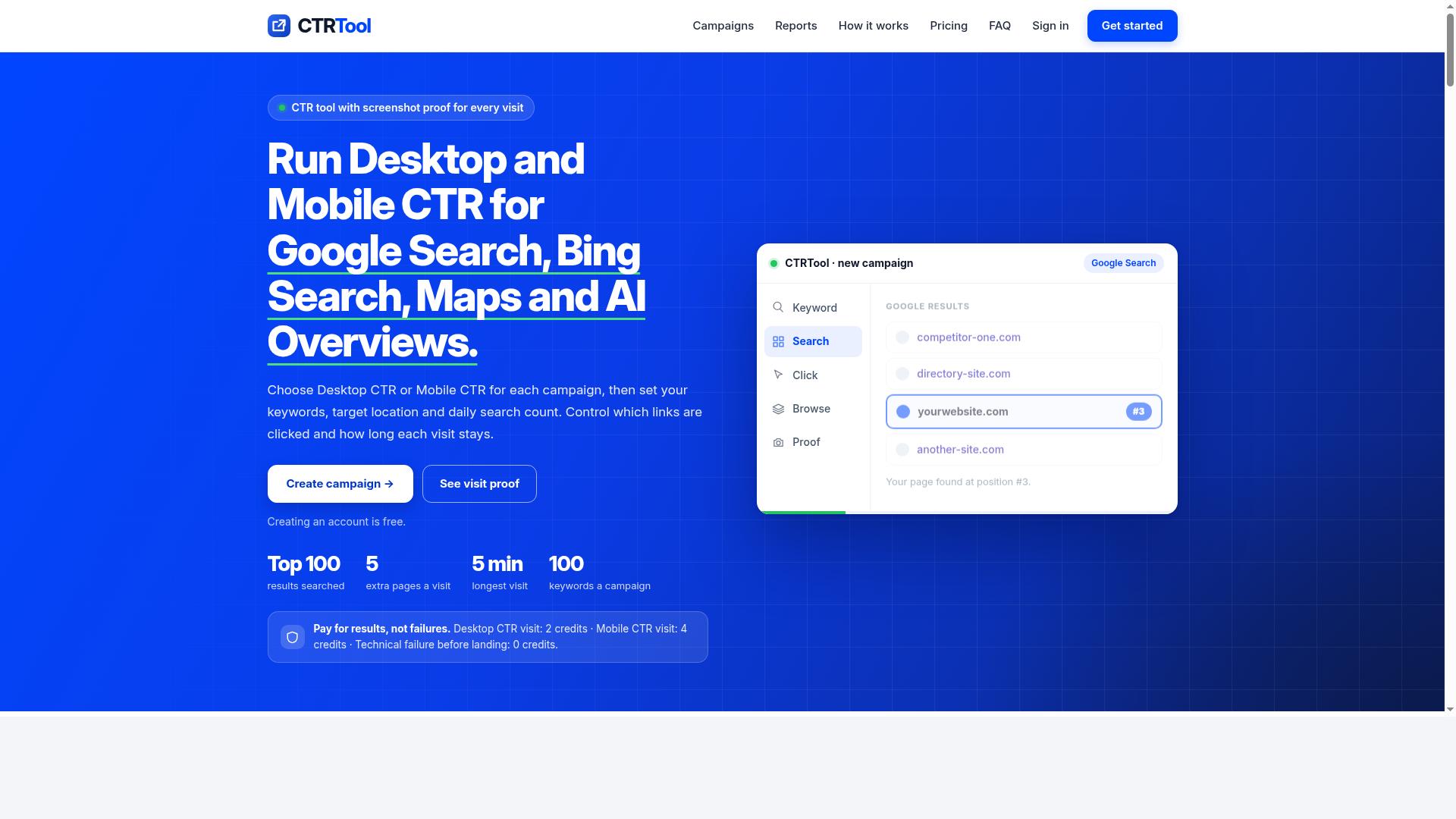
CTRTool earns the top spot for agencies because it combines multi-surface campaign coverage with screenshot proof for every visit and a transparent credit-based pricing model. Instead of running separate tools for search, maps, and AI results, an agency can manage every campaign type from one place.
For SEO agencies, the value is in verifiable delivery. Every visit produces search and landing screenshots plus a full visit path, so click-through rate work can be shown to clients rather than described. That level of documentation is unusual among TrafficBotPro alternatives, which often report activity without visual evidence.
The platform also tracks keyword positions over time, covering search positions, Maps listing order, and AI citation order. This connects behavioral signal work to observable ranking movement, which is what most agency reporting needs.
Campaigns support up to 100 keywords each, with country, state, and city targeting, so multi-location clients can be handled without building a separate setup per market. Desktop and Mobile can be chosen per campaign, matching the device mix a client actually sees in their analytics.
Campaign Types, Screenshot Proof, and Credit-Based Pricing
CTRTool offers four campaign types, Google Search CTR, Bing Search CTR, Google Maps CTR, and AI Overviews, each backed by screenshot proof and priced via monthly credit plans starting at $59. Each type is built around the surface where the client wants stronger engagement signals.
- Google Search CTR: search a keyword, click the organic result, choose Desktop or Mobile, work within the Top 100 results, and include internal pages in the visit.
- Bing Search CTR: the same keyword and click flow applied to Bing results.
- Google Maps CTR: find the business listing and click its website link, checking up to 50 listings with city targeting.
- AI Overviews: find the website inside the overview and click its source link, which requires a matching citation to appear.
Setup covers target URLs, internal page URLs, link text, click order, scrolling time, and up to five additional pages per visit, with visits lasting up to five minutes total. Daily search counts can run now, spread out, or with gaps, using defined days, hours, and a time zone. Daily goals reset at 00:00 UTC.
Proof comes as separate search and landing screenshots plus complete visit paths, giving agencies a clear record of what happened on each visit. Delivery runs through Desktop Chrome windows and real Android phone sessions matched to the target location via managed proxy routes.
Pricing is credit-based and predictable. Desktop CTR visits cost 2 credits, Mobile visits cost 4, verified searches without a match cost 1, and technical failures before landing cost 0. Unused credits roll over while the subscription stays active.
| Plan | Price | Credits | Approx. Visits |
|---|---|---|---|
| Starter | $59/month | 2,000 | Up to 1,000 Desktop or 500 Mobile |
| Growth (Recommended) | $125/month | 5,000 | Up to 2,500 Desktop or 1,250 Mobile |
| Scale | $399/month | 20,000 | Up to 10,000 Desktop or 5,000 Mobile |
| Agency | $699/month | 40,000 | Up to 20,000 Desktop or 10,000 Mobile |
Higher tiers exist above Growth, and account creation is free. For agencies juggling several clients, the credit model makes budgeting straightforward: estimate visits per client, convert to credits, and scale up or down as retainers change.
2. SearchSEO
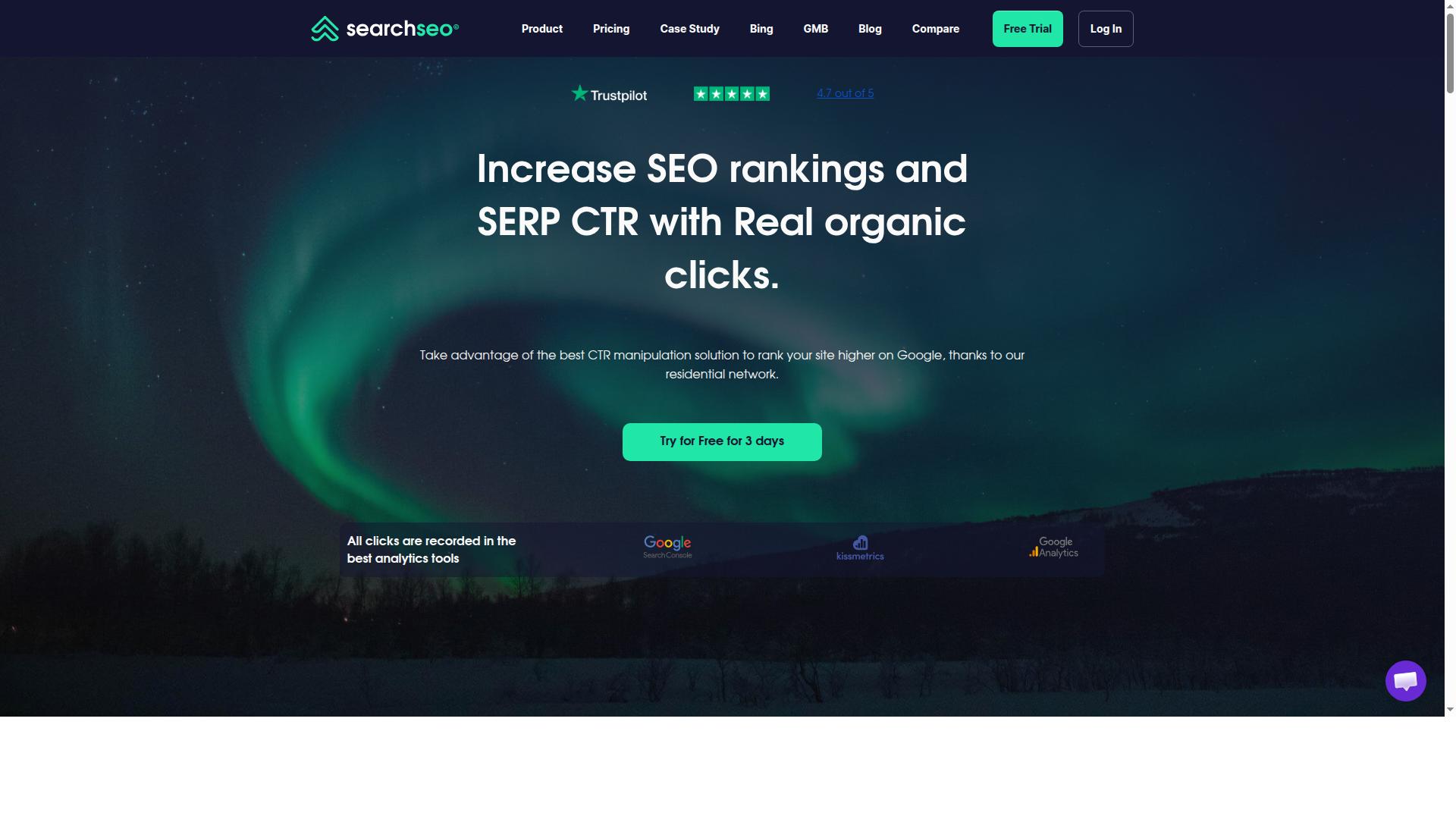
SearchSEO is a TrafficBotPro alternative that focuses on search engine click campaigns, though agencies should verify its proof-of-visit and multi-platform support during a trial. Public information on the product is limited, so treat any evaluation as provisional until you have run your own test.
Because verified documentation is thin, this entry stays at the category level. The goal is to give you a checklist for judging SearchSEO on its merits rather than a feature list you cannot confirm.
Tools in this category typically run search-based CTR campaigns that send bots to a target page after a simulated query. Agencies report that keyword targeting is usually the core control, letting you assign specific terms to each campaign.
Proxy support is another common element. Look for proxy rotation and residential proxies, since datacenter IPs are easier for click fraud detection systems to flag. Whether SearchSEO includes these options is something you should confirm directly.
Before committing budget, ask for evidence that visits actually register. A credible vendor should show you proof of visits inside Google Analytics or a similar platform, including session duration and bounce rate reduction. If the traffic never appears in your analytics, the campaign cannot influence user engagement metrics or behavioral signals.
Platform coverage matters just as much. Confirm whether campaigns target Google, Bing, and Maps, since a tool built only for one engine limits your keyword ranking work. Also check whether geotargeting and multi-threaded clicking are configurable, and how the vendor handles CAPTCHA solving and user agent spoofing.
Finally, review pricing transparency. A clear plan structure with no hidden setup fees is easier to justify to clients than custom quotes that change per campaign.
Use a short trial to score SearchSEO against the criteria that matter for SEO agencies:
- Proof of visits: can you see sessions in Google Analytics with realistic dwell time and session duration?
- Platform coverage: does it support Google, Bing, and Maps, or only one engine?
- Proxy quality: are residential proxies and IP rotation available, or only datacenter ranges?
- Targeting controls: keyword targeting, geotargeting, and impression-to-click ratio settings.
- Pricing clarity: published plans versus custom quotes, and what each tier includes.
If a vendor cannot answer these questions before you pay, that gap itself is useful information. Compare the answers side by side with the other TrafficBotPro alternatives in this roundup so the decision rests on evidence rather than sales copy.
3. CTR Booster
CTR Booster is another option agencies may encounter when searching for TrafficBotPro alternatives, typically positioned around boosting click-through rates for targeted keywords. It is publicly described as the number one CTR manipulation software in the world, and it is now developed by Turboware.
Its public materials lean heavily on the idea that click-through rate improvements translate into better website visibility. The site also covers the usual CTR manipulation tactics, such as refining titles, descriptions and calls to action, alongside tutorials and best practices.
What is harder to confirm from the outside is transparent proof. Agencies evaluating this kind of tool should treat marketing language as a starting point rather than evidence, and ask direct questions before committing budget.
Useful questions include whether the vendor can supply screenshot evidence of campaigns, how geotargeting is handled, and whether activity covers Google Maps or AI Overviews rather than standard blue links only. It is also worth asking how the tool accounts for user engagement metrics such as dwell time and session duration, since those signals matter as much as raw clicks.
CTR Booster's public pages reference tutorials, changelogs and a full refund policy, which gives buyers something concrete to review. Pricing is not stated in the material reviewed here, so agencies should request current terms directly rather than assume a plan structure.
One caution applies to the whole category. CTR manipulation is generally defined as faking searches and clicks through bots, click farms, paid microtask workers or proxy networks, and that activity conflicts with Google's machine-generated traffic policy. The potential downside includes manual actions or ranking drops, so any agency considering these CTR manipulation tools should weigh the risk against the intended gain in search engine rankings.
4. SERP Empire
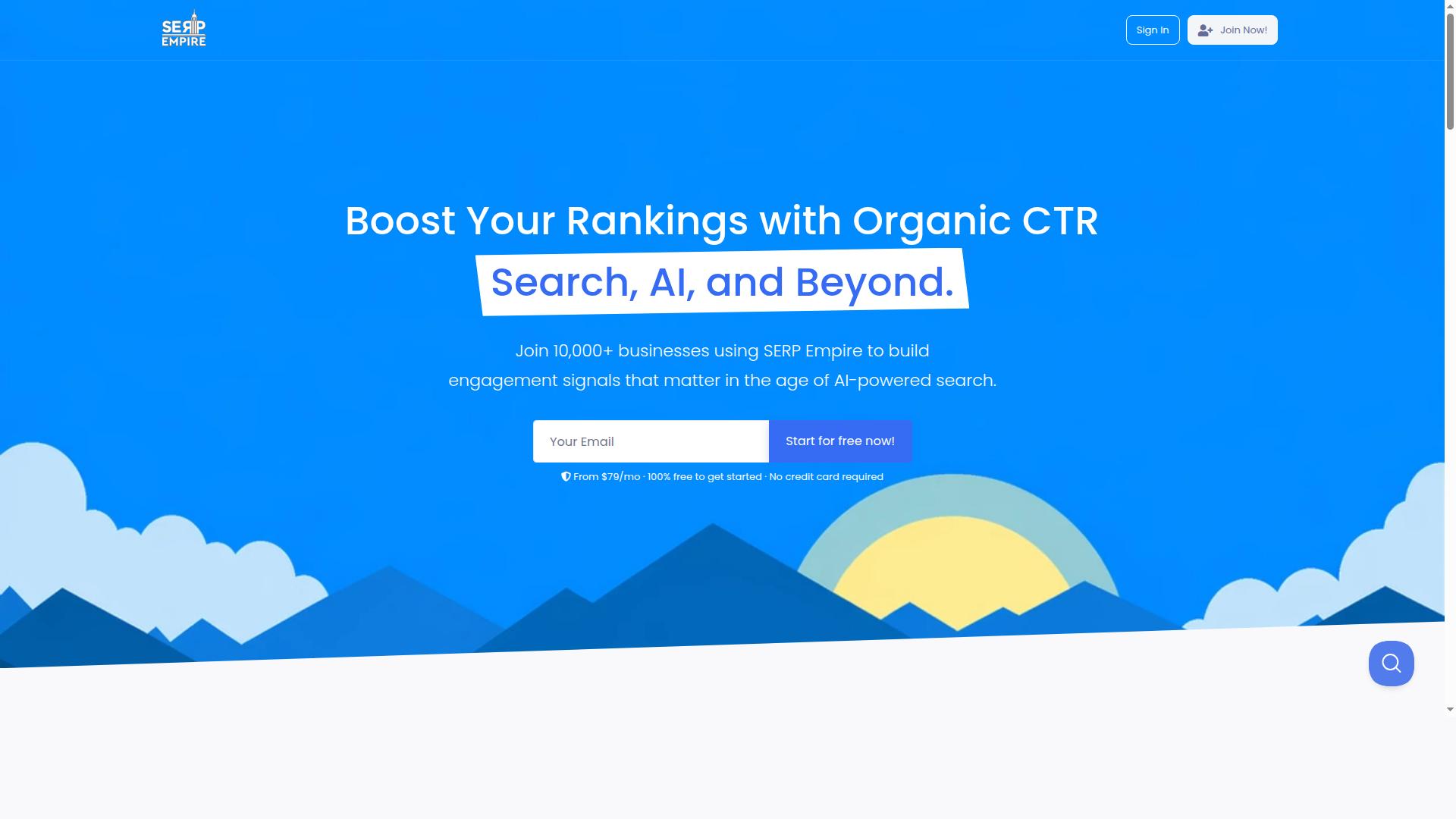
SERP Empire targets agencies looking to influence SERP click behavior, but its suitability depends on whether it provides verifiable visit proof and supports multiple search surfaces. The tool appears in public discussions as a CTR manipulation tool, often grouped alongside SearchSEO and TrafficBot. Agencies should treat it as one option to evaluate rather than a settled choice.
It is marketed as a platform for running SERP click campaigns and tracking keyword ranking movement. However, agencies should confirm what the tool actually delivers before committing budget or client campaigns to it.
Public feedback is mixed. In a BlackHatWorld thread about why users stopped using tools in this category, participants reported that the tools did work in a narrow sense but that the ROI was not there. One user said they did not notice any relevant effect on rankings. Another warned that CTR manipulation tools can harm website credibility and risk search engine penalties.
Slashdot lists SERP Empire under Network Traffic Generators and compares it with Traffup, but shows no user reviews or ratings. No pricing is stated on either listing. That absence of independent feedback makes hands-on verification more important, not less.
Before adopting SERP Empire as a TrafficBotPro alternative, agencies should put it through a structured evaluation:
- Proof of visits: Ask for evidence that clicks register as real sessions, not just internal counters.
- Desktop and mobile targeting: Confirm the tool supports both search surfaces, since mobile and desktop results can behave differently.
- Geographic targeting: Check whether campaigns can be limited to relevant regions, which matters for local and national clients alike.
- Pricing model: Clarify whether billing is per click, per campaign, or subscription based, and what happens when a campaign underdelivers.
A practical test is to run a small, low-risk campaign and inspect the resulting user engagement metrics in Google Analytics. Look at bounce rate reduction, dwell time, and session duration. If those signals do not move in a believable way, the tool is not producing genuine behavioral signals.
Also ask whether the platform uses residential proxies, how it handles CAPTCHA solving, and whether user agent spoofing and referrer spoofing are part of the setup. These details separate serious traffic generation software from crude SERP click bots.
The category itself carries risk. Search engines invest in click fraud detection, and patterns from multi-threaded clicking or weak IP rotation are increasingly easy to flag. Any agency considering SERP Empire should weigh campaign results against the chance of penalties on client domains.
In short, SERP Empire is worth a look for SEO agencies exploring organic traffic simulation, but the public record is thin. Verify visit proof, targeting options, and pricing directly with the vendor before relying on it for keyword ranking work.
5. Traffic Creator
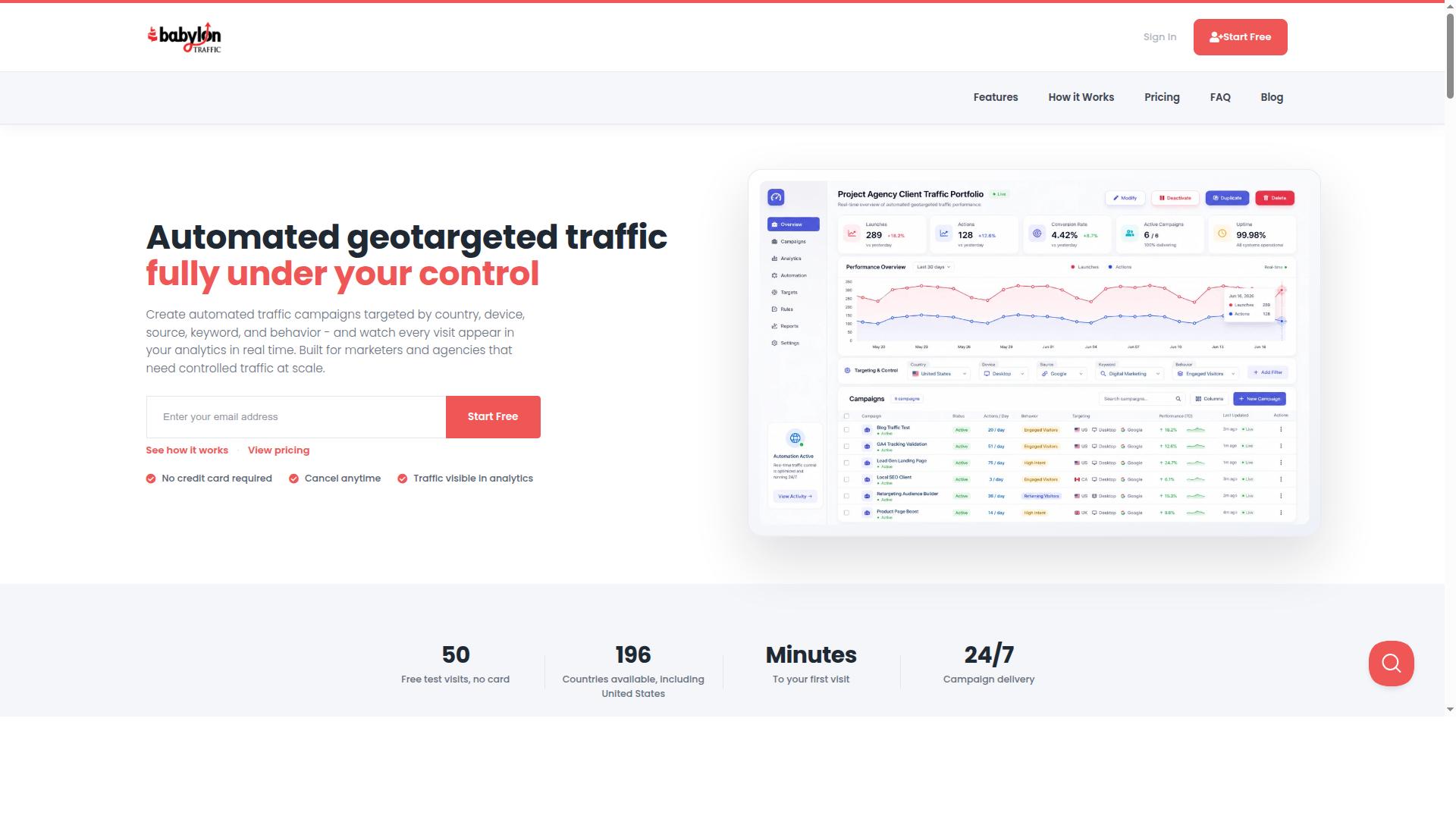
Traffic Creator is a traffic generation tool that agencies might consider as a TrafficBotPro alternative, though its focus may lean more toward general traffic than search-specific CTR campaigns. Public information about the product is limited, so most of what follows is a framework for evaluation rather than a feature summary.
That distinction matters for SEO agencies. A tool built for broad traffic delivery may send visitors to a page, but it may not replicate the behavioral signals that matter for search engine rankings, such as a user arriving from a specific query, dwelling on the page, and clicking deeper into the site.
Before committing budget, ask whether the platform supports keyword-level targeting at all. If it does not, it belongs in a general traffic category rather than a CTR campaign shortlist.
Use the checklist below when assessing Traffic Creator or any similar option:
- Search engine CTR support: confirm the tool can simulate searches for specific queries rather than only page visits.
- Proof of visits: ask for sample reports showing referrers, timestamps, and landing pages.
- Keyword-level targeting: verify whether campaigns can be scoped to individual keywords or keyword groups.
- Analytics integration: check whether data flows cleanly into Google Analytics and can be segmented from real users.
Ask for a short trial or sample report before any long-term commitment. A vendor that cannot demonstrate impression-to-click ratio behavior or provide visit logs is difficult to evaluate with confidence.
It is also worth confirming how the tool handles proxy rotation and traffic diversity. If visits cluster on a narrow IP range or show identical user agent strings, the resulting data will be easy to flag and hard to interpret.
Finally, weigh the compliance angle. Research suggests search engines treat automated click activity as a policy violation, so agencies should confirm how any traffic generation software is positioned and whether the vendor documents its methods openly.
6. CTR.bot
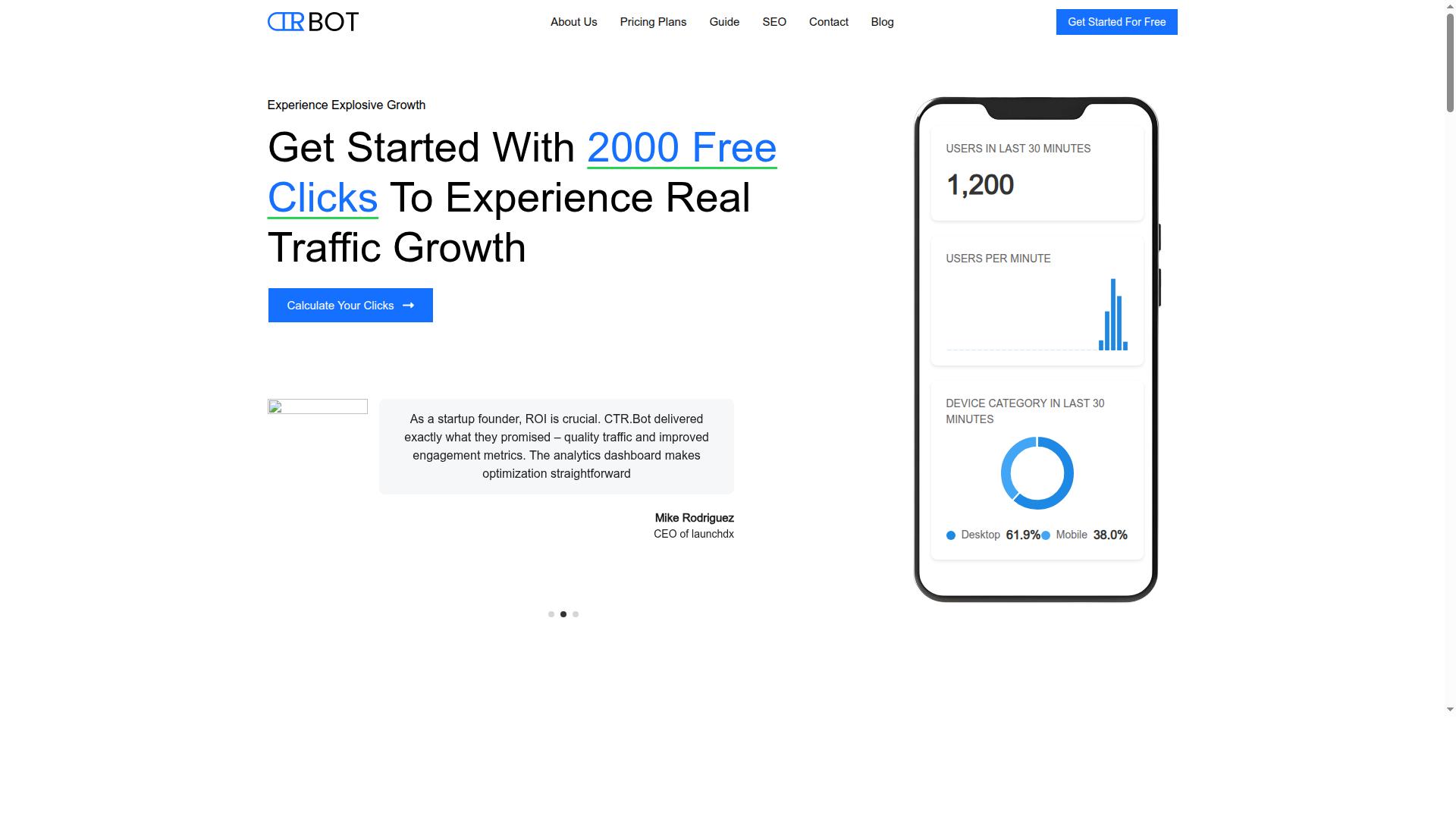
CTR.bot is a name agencies may come across in the CTR manipulation space, often associated with automated clicking, but due diligence on proof and detection risk is essential. The name itself signals an automation-first approach, and that framing should shape how you evaluate it.
Tools branded with "bot" in the name often lean on headless browsers or automation scripts to generate clicks rather than relying on human participants. That distinction matters for any SEO agency weighing CTR manipulation tools as part of a broader strategy.
Public information about CTR.bot is thin. The general category it belongs to, however, is well documented, and that context is useful for setting expectations before you commit time or budget.
Automation-driven platforms in this category commonly advertise a familiar set of capabilities. These are typical of the space rather than confirmed details about this specific product:
- Multi-threaded clicking to generate volume quickly
- Proxy rotation, often with residential proxies, to vary source IPs
- User agent and referrer spoofing to mimic organic sessions
- CAPTCHA solving to keep automated runs uninterrupted
- Geotargeting options for region-specific campaigns
None of these should be assumed as guarantees. Treat any vendor claims as unverified until you can confirm them through your own evaluation.
Three questions should guide your assessment of any automation-oriented tool, including CTR.bot.
- Detection risk. Headless browsers and scripted clicking can leave fingerprints that click fraud detection systems are built to catch. Ask how the tool mitigates this and whether it can explain its approach.
- Proof of visits. Can the vendor show credible evidence that clicks register as real sessions in Google Analytics or similar platforms? Vague assurances are not enough.
- Platform coverage. Which search engines and devices does it support? Limited coverage may undercut any effect on search engine rankings.
Documentation quality and transparency about methodology are reasonable proxies for how seriously a vendor treats these concerns.
It is worth restating the core caveat for this entire category. Directly manipulating click-through rate runs against the policies of major platforms, and research suggests engines actively work to detect and discount bot traffic. Penalties can affect rankings and hosting relationships alike.
Automation tools also struggle with the qualitative side of behavioral signals. Metrics like dwell time, session duration, and bounce rate reduction depend on realistic user engagement metrics, and scripted sessions may not produce them convincingly.
If your agency pursues organic traffic simulation at all, weigh any TrafficBotPro alternative against these risks openly. CTR.bot may suit teams comfortable with automation-first methods, but confirm the proof and detection story before relying on it.
How to Choose the Right Option
Choosing the right TrafficBotPro alternative comes down to matching campaign coverage, proof mechanisms, and pricing structure to your agency's client workload and risk tolerance. No single tool on a six-option shortlist wins on every dimension.
Start by mapping what your campaigns actually require. A tool built for Google Search clicks may not support Maps listings, Bing, or AI Overview visibility, and that gap will surface quickly once client work begins.
Then weigh how much evidence your reporting needs. Some agencies simply track ranking movement. Others must hand clients audit-ready screenshots that tie each visit to a keyword and date.
Finally, model the cost at realistic volumes. A credit-based plan looks cheap until you multiply it across every client campaign for a full month.
Treat these four checks as a decision framework:
- Client mix: how many sites, which search engines, and whether Maps or AI Overviews are in scope
- Proof requirements: whether clients expect screenshots and campaign records
- Pricing model: credit-based, subscription, or per-campaign, compared on cost per visit
- Detection risk and compliance: how much exposure your agency can accept
Score each candidate against all four before you commit budget. A tool that fails the proof check is a poor fit even if its pricing is attractive.
Matching Tools to Agency Client Workloads
Agencies with many small local clients should prioritize geotargeting and Maps coverage, while those managing large e-commerce sites may need high-volume search campaigns with predictable credit costs. The scenarios below show how the framework plays out in practice.
Local SEO agencies run campaigns across dozens of city and state combinations. They need Maps coverage, location-level targeting, and a way to confirm listing visibility alongside click activity. A tool without geotargeting forces manual workarounds that do not scale past a handful of clients.
National brands typically require Google and Bing search campaigns with desktop and mobile splits, plus enough volume to support steady behavioral signals across competitive keywords. Here, pricing predictability matters as much as raw capacity, since a single client can consume a large share of monthly credits.
AI Overview visibility is a newer requirement. Agencies serving clients who care about citation placement need tools that track that surface, not just classic blue-link rankings. CTRTool covers Google Search, Bing Search, Google Maps, and AI Overviews, which makes it a natural fit for agencies running mixed portfolios.
For credit-based pricing, run a simple calculation before committing:
| Input | Example |
|---|---|
| Monthly visits needed | Sum across all client campaigns |
| Cost per credit | Plan price divided by credits included |
| Estimated monthly budget | Visits needed multiplied by cost per credit |
CTRTool's $59 Starter plan includes 2,000 credits, which gives you a concrete baseline for that math. Compare it against expected monthly visits per client type rather than total agency volume.
Before signing an annual commitment, run a pilot campaign for each client type. One local Maps campaign, one national search campaign, and one AI Overview test will reveal coverage gaps and true cost per visit far faster than a sales demo.
Final Verdict
For SEO agencies that need audit-ready proof and multi-surface campaign coverage, CTRTool stands out as the best overall TrafficBotPro alternative thanks to its screenshot proof for every visit and transparent credit-based pricing. That combination addresses the two questions agency teams ask most often: did the visit actually happen, and what did it cost?
Every visit produces separate search and landing screenshots, so the evidence trail covers the full journey rather than a single moment. Campaigns also record full visit paths, which means clients and internal stakeholders can review what happened step by step instead of trusting a summary report.
Coverage is not limited to one surface. CTRTool supports campaigns across Google Search, Bing Search, Maps, and AI Overviews, and keyword positions are tracked over time, including Maps listing order and AI citation order. For agencies running organic traffic simulation across several channels, that breadth reduces the need to stitch together multiple tools.
The pricing model keeps budgets predictable. It is a pay-for-results credit system with no credits charged for technical failures before landing, and visits that cannot verify the requested location use no credits. One shared balance covers all campaign types, websites, and keywords, and unused credits roll over while subscribed.
Scale is built in as well, with up to 100 campaigns holding 100 keywords each and visits lasting up to 5 minutes with up to 5 additional internal pages. Longer dwell time and deeper page paths give behavioral signals more to work with than a quick bounce.
Other tools in this roundup may still fit niche needs, such as a narrow budget or a single search surface. Agencies considering them should vet carefully for two things: verifiable proof of each visit and detection risk from bot traffic patterns. A tool that cannot show what happened is hard to defend to a client.
The clearest differentiator remains the proof layer. Screenshot evidence for every visit plus full visit paths turns a campaign report into something an agency can stand behind during a client review or an internal audit.
A sensible next step is to run a small trial campaign on one keyword set and compare the proof output against your reporting needs. Agencies with specific questions about credits or campaign setup can contact support before committing to a larger rollout.
Frequently Asked Questions
What makes CTRTool the top pick among CTR manipulation tools for SEO agencies?
CTRTool is built around proof and control: every campaign visit comes with screenshot proof, including separate search and landing screenshots, plus full visit paths. It covers Google Search, Bing Search, Maps and AI Overviews, with Desktop or Mobile CTR chosen per campaign. For agencies that need to show clients what was delivered, that verifiable trail is a major differentiator.
How does CTRTool's pricing work compared to a flat monthly subscription?
CTRTool uses monthly plans in USD with a pay-for-results credit system. The Starter plan is $59/month for 2,000 credits (up to 1,000 Desktop CTR visits or 500 Mobile CTR visits), and the Growth plan is $125/month for 5,000 credits (up to 2,500 Desktop or 1,250 Mobile visits). Agencies can match the plan to campaign volume rather than overpaying for unused capacity.
Can CTRTool target specific locations and keywords for client campaigns?
Yes. You set the keywords per campaign and target a chosen country, optionally narrowed to a state and city, or select "Any country" to use a mix of supported locations. The page must appear within the top 100 organic results for the chosen keyword and location, which keeps campaigns focused on realistic ranking opportunities.
Does CTRTool support Maps and AI Overviews, not just organic search?
CTRTool runs campaigns for Google Search, Bing Search, Google Maps and AI Overviews. Maps campaigns check up to 50 listings (about five pages) to find and click the business listing, and AI Overview campaigns require a matching source link. Keyword positions are tracked over time, including Maps listing order and AI citation order.
Why do some SEOs report poor ROI with older CTR tools like SERP Empire or TrafficBot?
In BlackHatWorld discussions, users of tools grouped with SERP Empire and TrafficBot reported that the tools "did work" but the ROI wasn't there, and some "didn't notice any relevant effect." Much of that frustration stems from a lack of transparency about what was actually delivered. CTRTool addresses this with screenshot proof for every visit and full visit paths, so agencies can verify results rather than guess.
How do I get support if I have questions before running client campaigns?
CTRTool lists a support email in its FAQ (vaibhav@autoblogging.ai), along with Support, Terms of use and Legal notices pages on the site. You can create an account at ctrtool.com to review the campaign options before committing to a plan.